How to not abuse "Release" as deployment
6/24/2026
I'm back! Finally, I've managed to optimize the docker image pipeline. Today, I'll breifly share how I've done it. And trust me, it is quite simple.
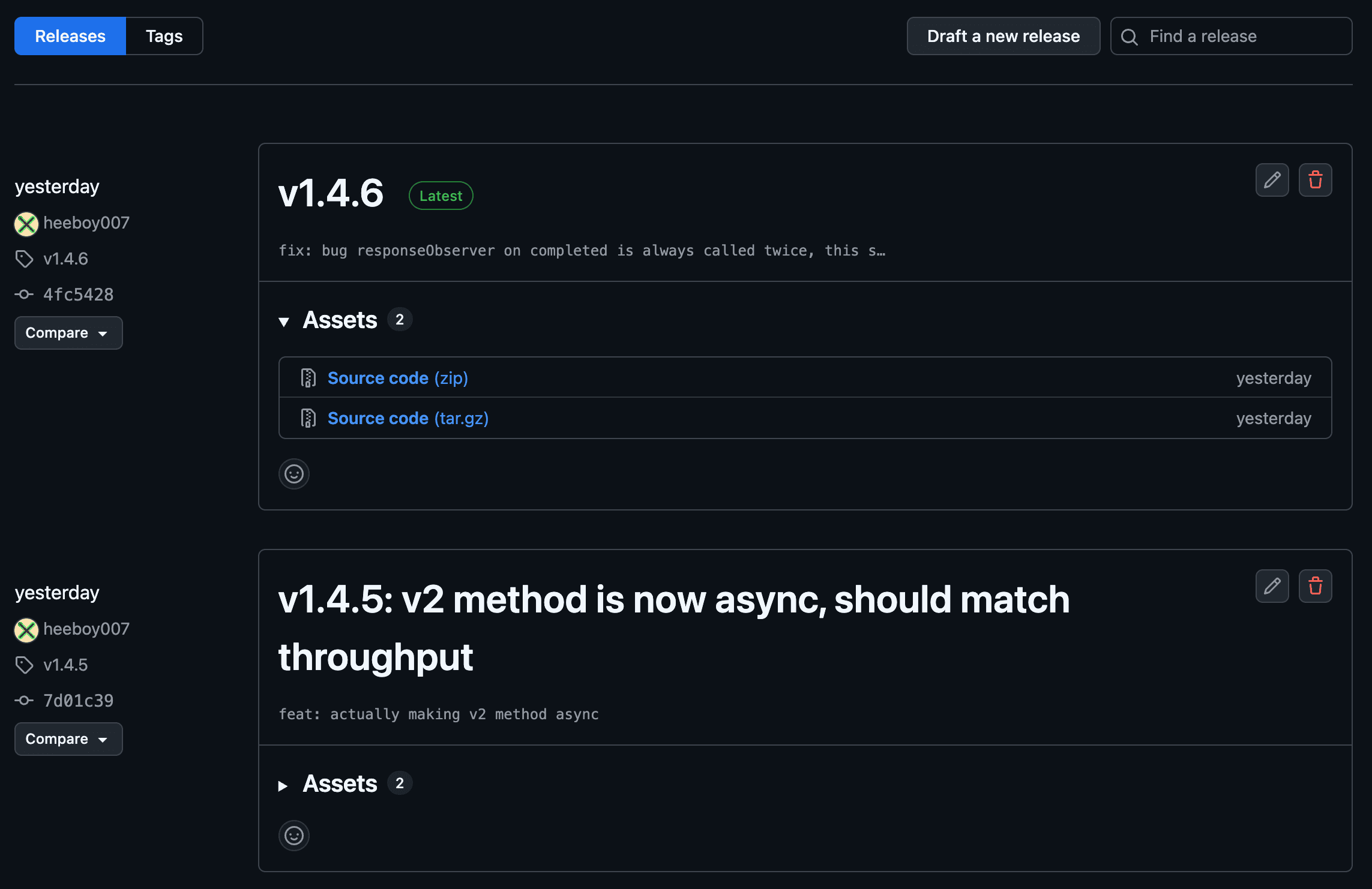
First, let's talk about why I need to optimize deployment at the first place. Surprisingly, It's not just about build speed, but release managment. If the build time is long, we are discouraged to do daily or development builds. Of course, we could manually generate a tag and make it as a dev build. But this is very cumbersome. And since I am the only person working on this project, I started to use release builds AS development builds.
This behavior is simply not healthy. Look how much release that I've made! So I came up with two solutions.
One, is to generate a dev build on my computer and inject to my server computer directly. There is clearly an advantage to this approach. Since I'm making a build with my own computer, the build will be way faster, and I get to control the flow. The problem though, it's hard to manage such pipeline through a cloudflare wall. My server is behind the defense of cloudflare(which is a good thing) and setting up something like remote code injection does feel a bit anxious.
So the second option was to enhance the current pipeline. Although I've already encountered a lot of problems using cache layers, such as not updating the library properly, I though why not give it another go.
Tracing the bottleneck
The main objective here, is actually not just enabling dev build. This is fairly easy, just append this:
on:
  release:
    types: [published]
  push:
    branches: [ "main" ] # this is the simple part
  workflow_dispatch:
with this part on docker build:
# 3-3. generate docker image
- name: Extract metadata (tags, labels) for Docker
  id: meta
  uses: docker/metadata-action@v5
  with:
    images: ${{ env.REGISTRY }}/${{ env.IMAGE_NAME }}
    tags: |
      type=semver,pattern={{version}},event=release
      type=sha,format=short,event=branch,branch=main
      type=raw,value=latest,event=branch,branch=main
then docker image will be always generated when you push anything to main branch.
The real problem is how to reduce the build time, so that It's not gonna take months to get the code on my server. Usually this is done my caching(I actually don't know any other easier way than this).
First thing to do is to look up github action log to figure out what is the main bottleneck of the build:
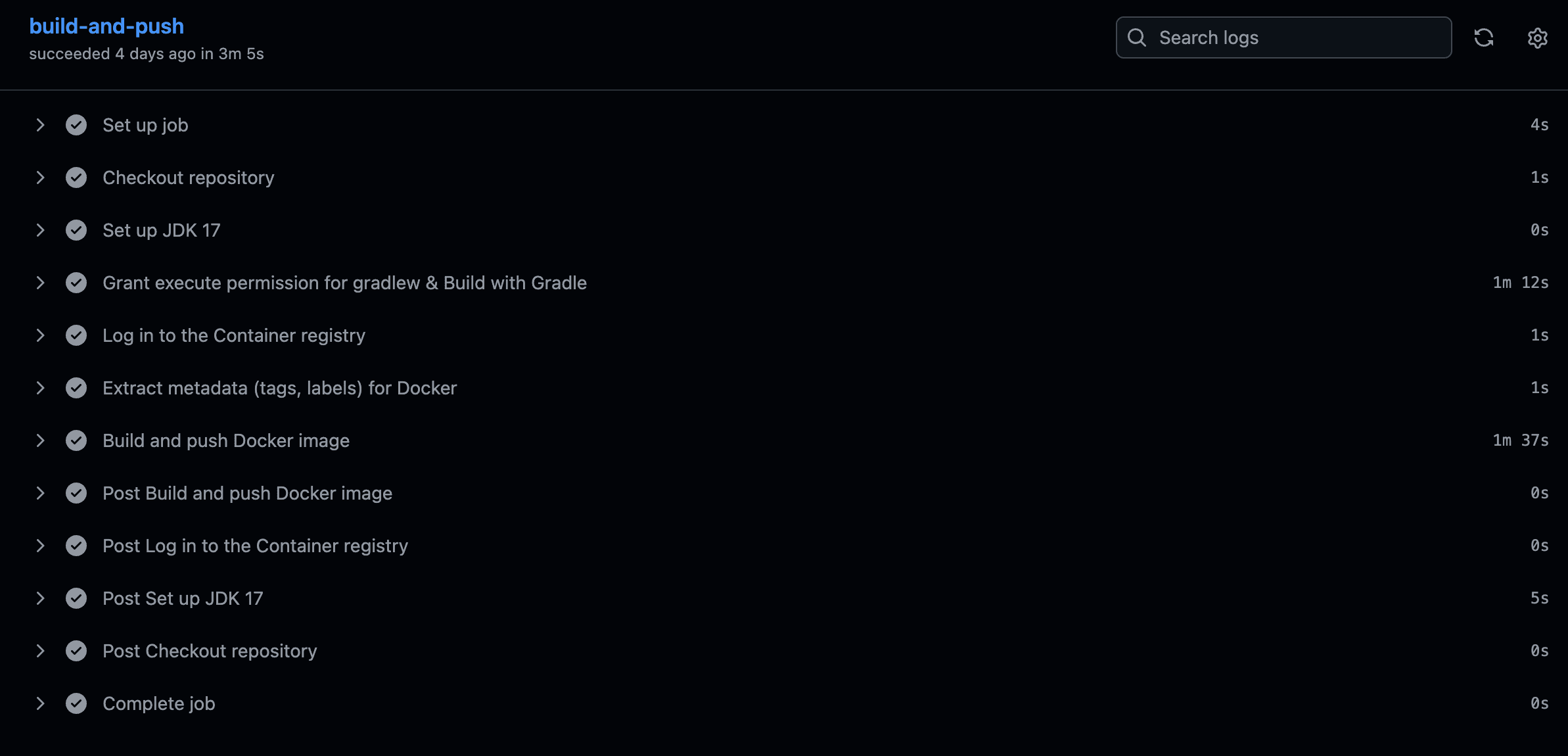
So the gradle build, and the building the docker image is the problem.
Enabling docker gha cache
The first instinct was to tackle the docker cache, since I didn't state the cache should be on the workflow yml file. I need two additional wrappers:
# set this up before login to ghcr
- name: Set up Docker Buildx
  uses: docker/setup-buildx-action@v3

...

- name: Build and push Docker image
  uses: docker/build-push-action@v5
  with:
    context: .
    push: true
    tags: ${{ steps.meta.outputs.tags }}
    labels: ${{ steps.meta.outputs.labels }}
    cache-from: type=gha
    cache-to: type=gha,mode=max
Faster gradle builds
The second is to reduce the gradle build time to make bootJars. I was already caching gradle while setting up java, but it's better to use a wrapper like this:
# 2-1. github
- name: Set up JDK 17
  uses: actions/setup-java@v4
  with:
    java-version: '17'
    distribution: 'temurin'

# 2-2. setting up gradle with faster wrapper
- name: Setup Gradle
  uses: gradle/actions/setup-gradle@v4

# 2-3. build with gradle
- name: Grant execute permission for gradlew & Build with Gradle
  run: |
    chmod +x ./gradlew
    ./gradlew bootJar -x test
  env:
    GITHUB_ACTOR: ${{ github.actor }}
    GITHUB_TOKEN: ${{ secrets.PACKAGES_READ_TOKEN }}
This gradle/actions/setup-gradle@v4 wrapper saves gradle binary download time, which is awesome. Also, we should use some gradle properties to speed up the process even more:
gradle.properties :
org.gradle.configuration-cache=true
org.gradle.jvmargs=-Xmx2g -XX:MaxMetaspaceSize=512m
org.gradle.parallel=true
org.gradle.vfs.watch=true
Results
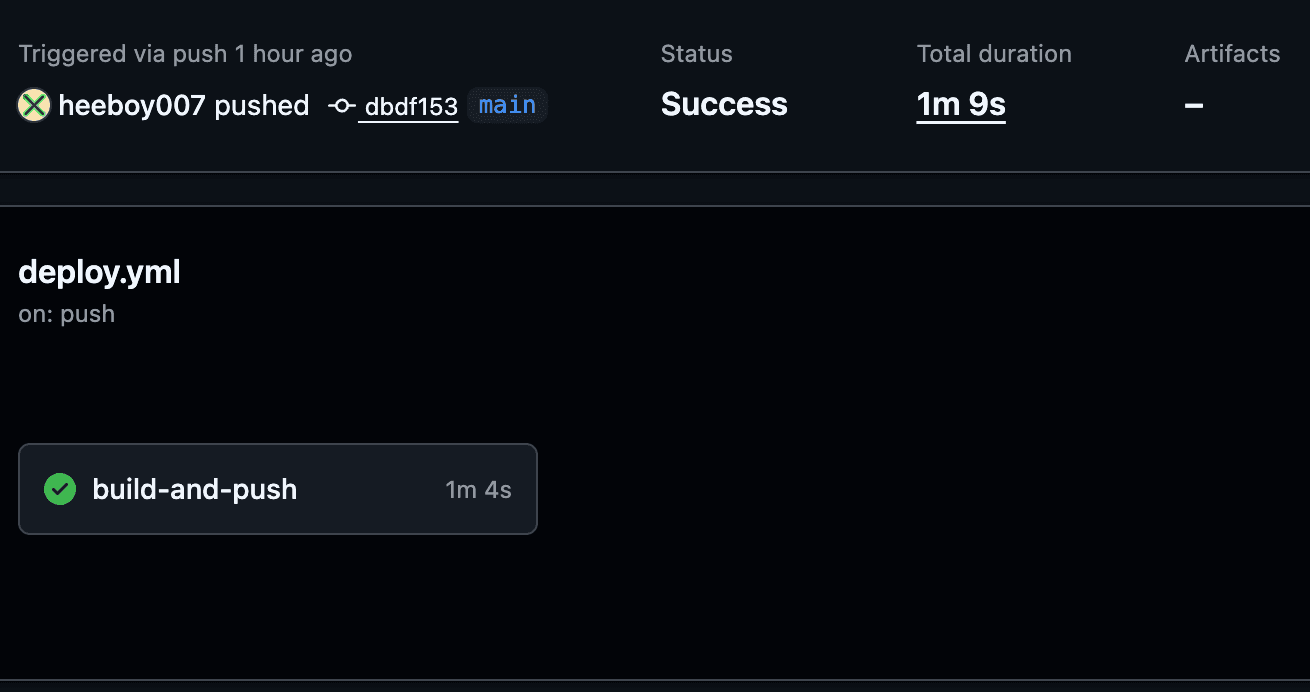
The previous build time was about 3 minutes and 8 seconds, reduced to 1 minute and 9 seconds: